V89
219 MB
Download V89
Triton PLUS™ Software
Keep your Triton PLUS current with free Wi-Fi software updates, and extend it with the free companion app. Download the latest software below.
Downloads
Triton PLUS software V89 and V89.6, and Triton software V77. These releases improve performance, reliability and system compatibility.
Installing on a machine numbered older than 60? Those use the USB-edition install — the how-to-install walkthrough is on the support videos page.
Free Wi-Fi updates
Software and the integrated key-code database are actively maintained, and updates are delivered free over Wi-Fi.
Update directly from the machine over Wi-Fi — no PC connection needed.
The proprietary key-code database is maintained alongside the machine software.
Triton PLUS mobile app
The 7-inch on-machine touchscreen stays your primary interface. The free Triton PLUS app adds a remote, second-screen workflow from your iOS or Android device.
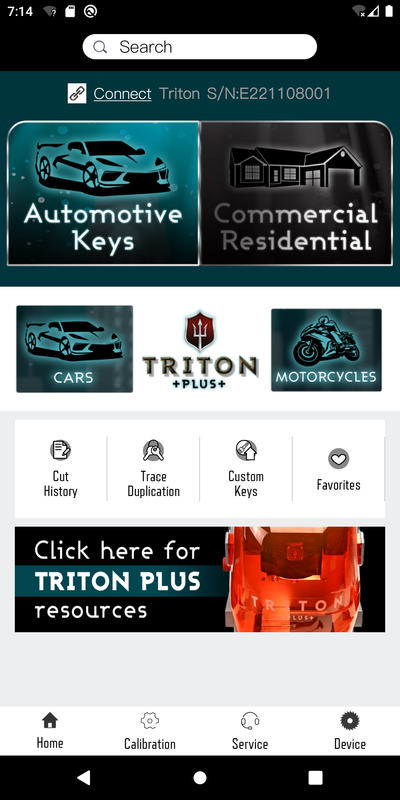
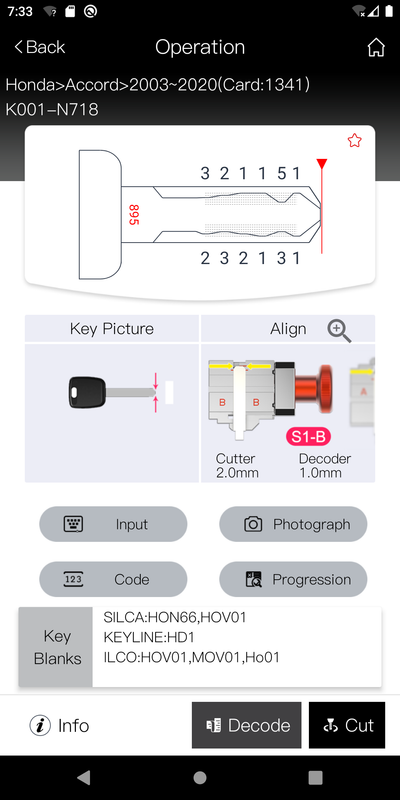
Software update record
The Triton PLUS app is actively maintained. Current release facts are shown exactly as each store reports them — the two stores report on their own schedules.
Version 12.6, released 2026-08-04.
Updated Aug 3, 2026.
The support videos walk through Wi-Fi setup and installing updates.